The final piece of the puzzle is the Plane/Sailing software itself. This is responsible for gathering all the information provided by Dump1090, rtl_ais and Direwolf into a single consistent format, serving it as a JSON API, and also serving the web front-end that the user interacts with. As well as the core functionality, it has a number of other features that improve the Plane/Sailing experience:
- Support for config-based addition of extra tracks for the base station, airports and seaports
- Support for config-based addition of AIS track names, to cover the period between getting a position message and a details message
- Includes look-up tables to determine aircraft operators, types, and the correct MIL-STD2525C symbols to use for a variety of tracks
- Persists data to disk so the content of the track table is not lost on restart
- Allows customisable times to drop tracks etc.
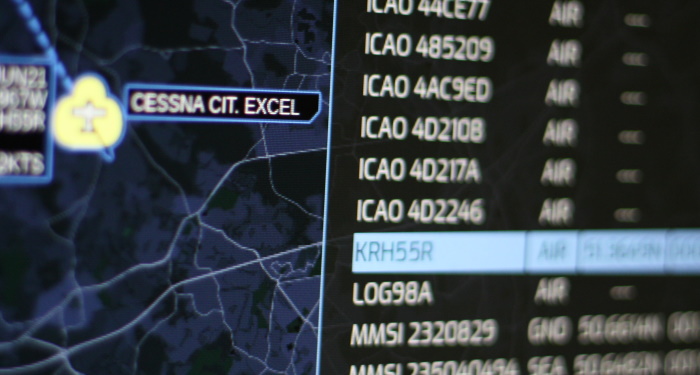 The Track Table within Plane/Sailing
The server is now written in Python (earlier versions used Java), both choices in an attempt to avoid the “dependency hell” of my previous back-end server project written in Ruby.
The frontend code is of course written in HTML and JavaScript. Luckily, I had already done most of the hard work in UMID1090, the predecessor to this project:
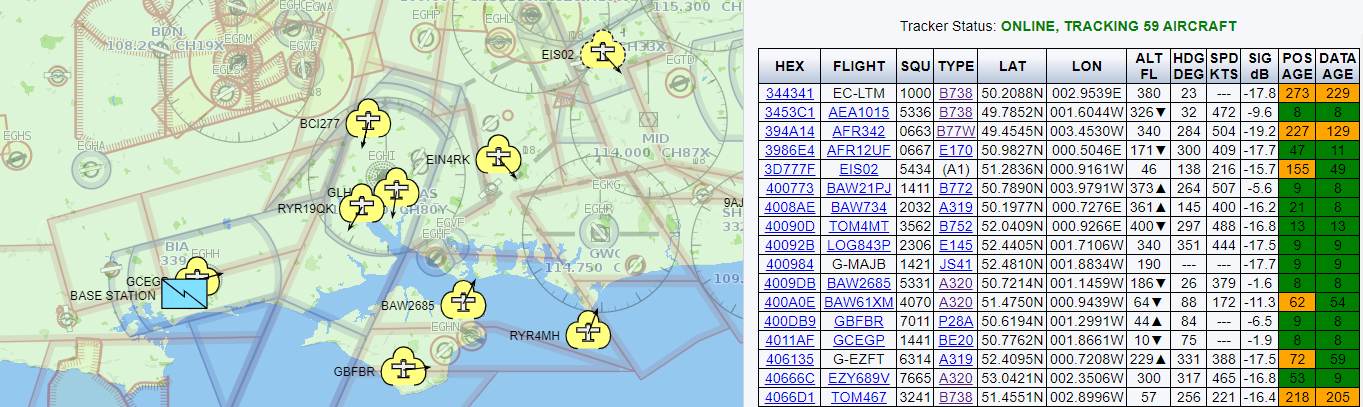 UMID1090 Interface
For Plane/Sailing, I decided to drop some of the more complex options for configuring the software, and instead go for a full-screen map with only a few options hidden inside pop-out panels. I used the dark map background, blue highlights and Exo font from my Career Explorer to give it a more futuristic feel. It’s not just an unnecessary military interface, it’s an unnecessary Hollywood military interface.
Version 1 provided a more limited set of options and no track table:
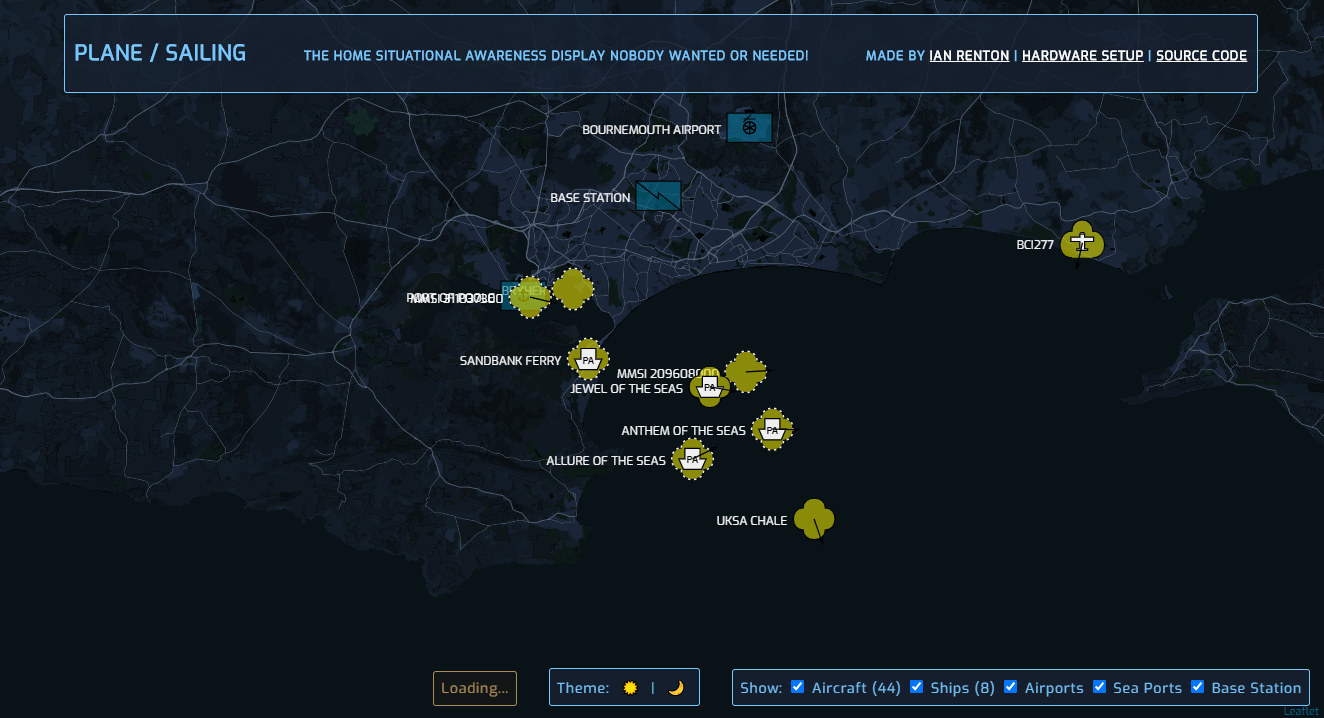 Plane/Sailing v1
Version 2 re-added UMID1090’s track table, and brought across a few extra configuration options, along with the major rewrite in order to have it communicate with a dedicated back-end Plane/Sailing server rather than directly accessing data within Dump1090 and AIS Dispatcher.
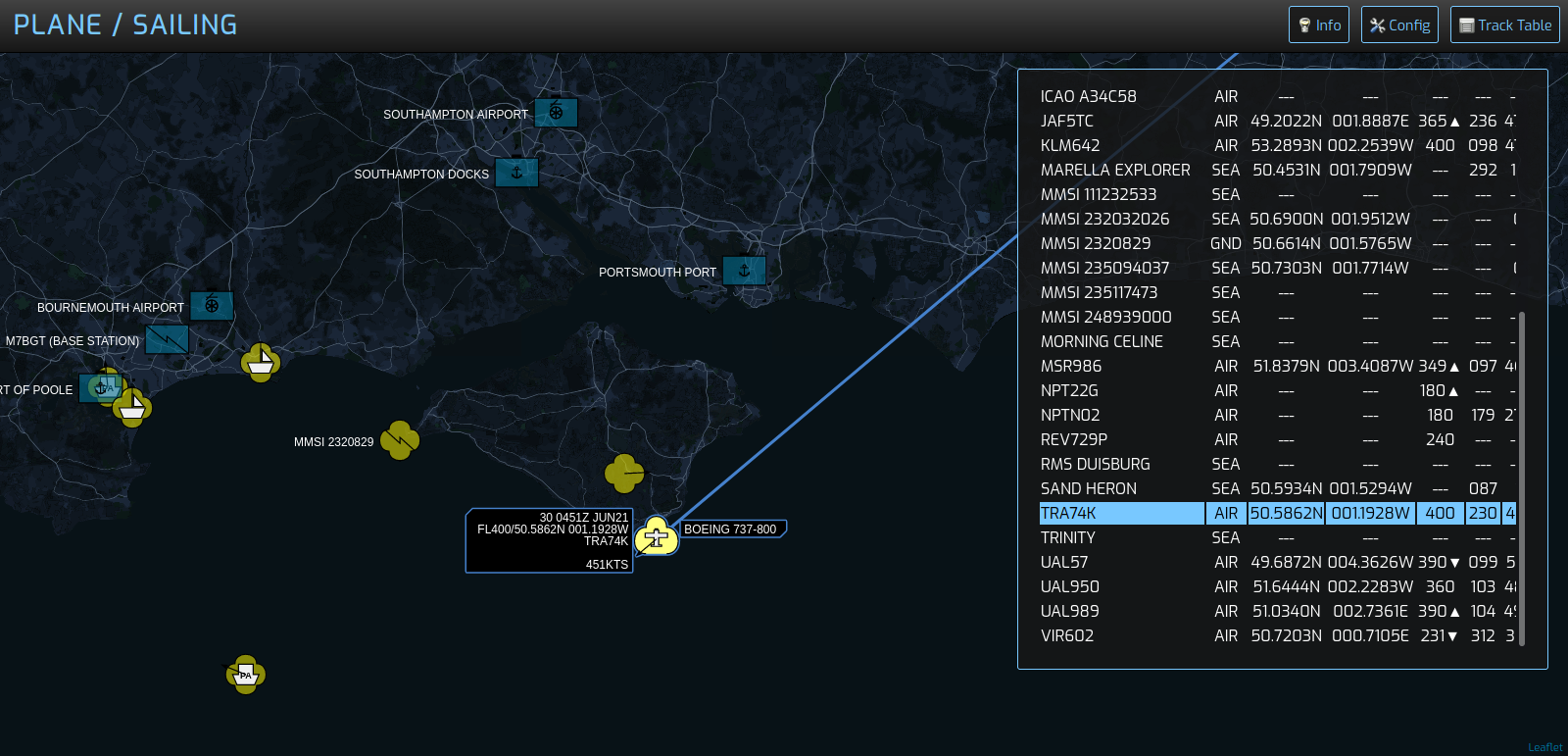 Plane/Sailing v2
Subsequent versions have improved the UI and added more features, such as selectable background layers and overlays, classifying targets, and accessing server telemetry.
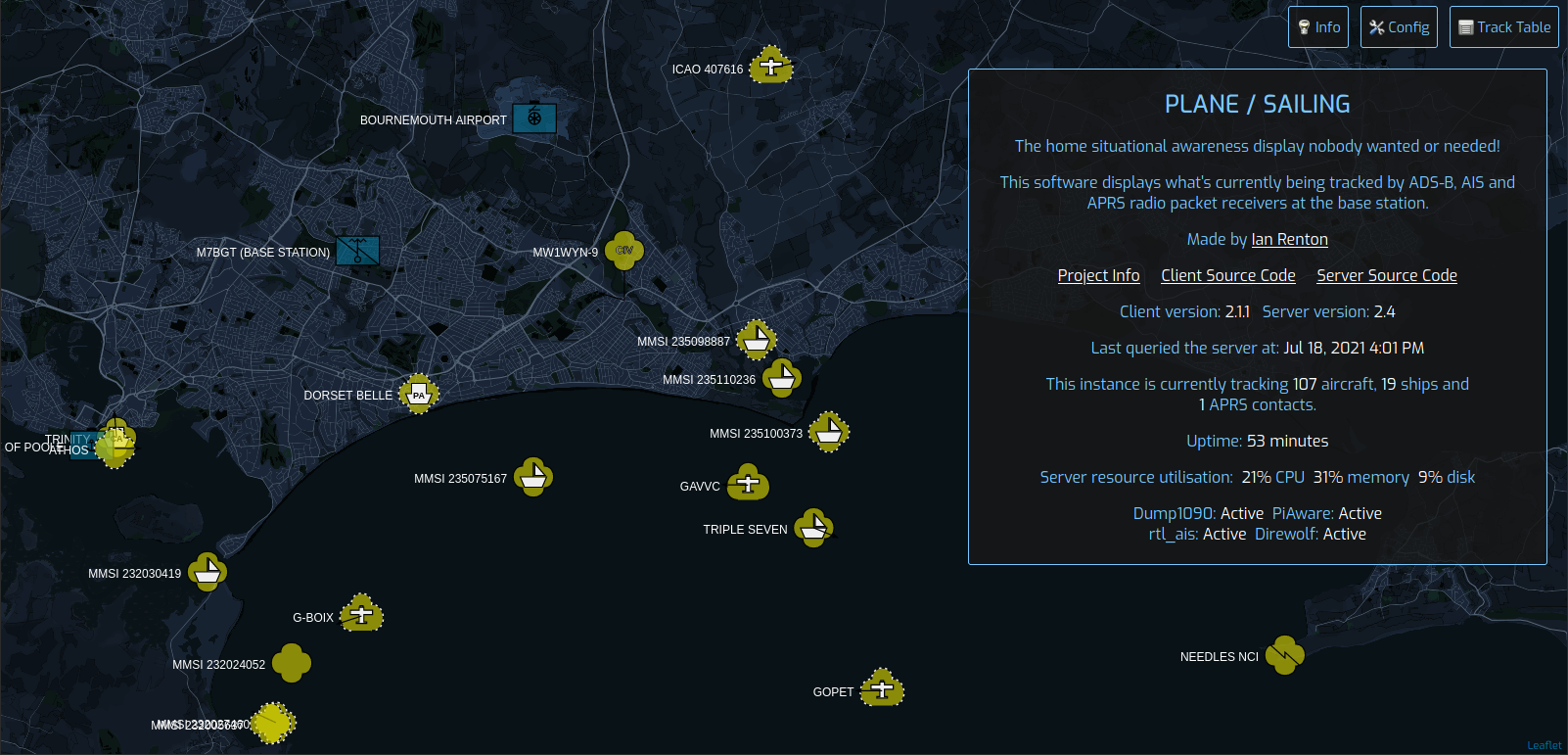 Plane/Sailing v2.1
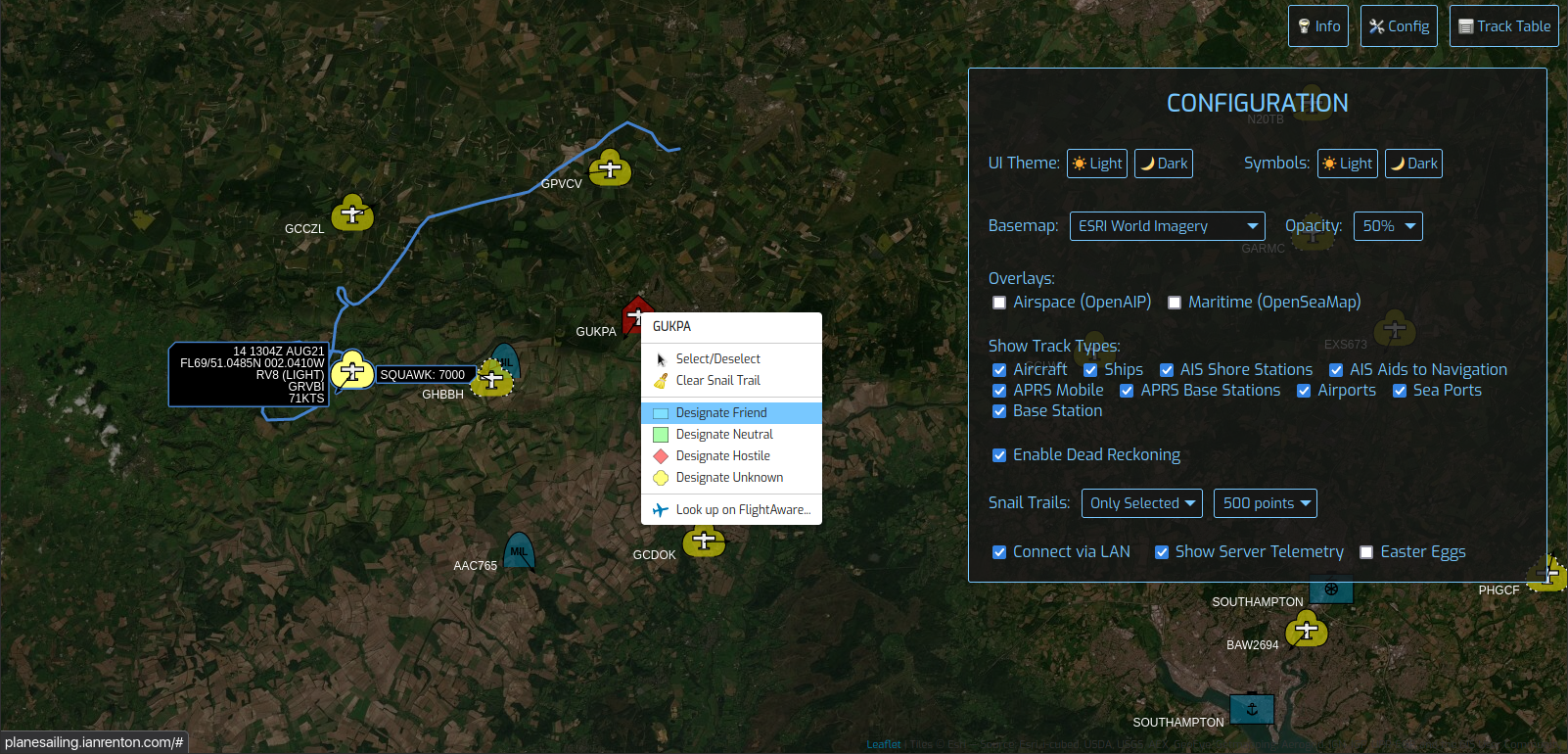 Plane/Sailing v2.3
Version 4 merged the server and client code, giving users an easier way to set up the system, and version 5 rewrote the server-side code in Python for commonality with my other projects, and improved third-party libraries.
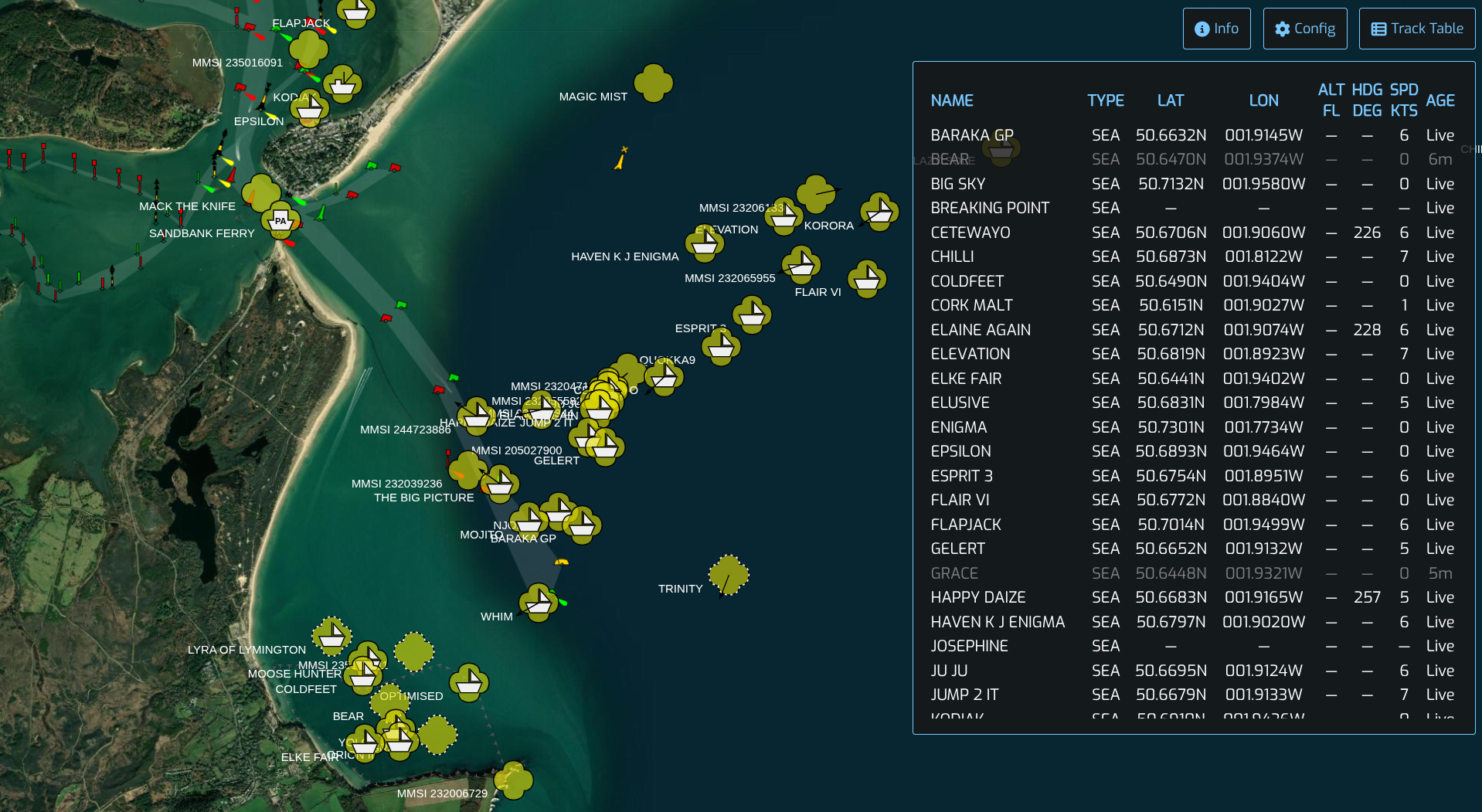 Plane/Sailing v5
If you’re interested in replicating this build for yourself, there is a complete set of setup instructions in the Plane/Sailing README file. This covers not only getting the software up and running, but also ensuring it runs on startup on the Raspberry Pi, using Nginx to provide a Reverse Proxy setup, setting up HTTPS using Let’s Encrypt certificates, and allowing Dump1090 and AIS Dispatcher’s web interfaces to run on the same server. I wrote the README while going through the process myself, so hopefully it should work for you. If not, let me know and I’ll see if I can help you out!
Source code is available on my Forgejo and is in the public domain.
Comments