If you’ve read the first post in this series or are playing along yourself, you’ll be aware of the 52 Week Ham Radio Challenge. If not, hit up that link for the details!
This post covers the challenges from weeks 41-44, which were:
- Write a poem on your biggest ham radio pet peeve!
- Receive a SSTV image
- Create a 3D printable design related to ham radio!
- Receive a QRSS signal on the HF bands
Week 41 (6-12 Oct): Write a poem on your biggest ham radio pet peeve!
Being away for work all this week and for pleasure all weekend gave me a convenient excuse not to take part in this one. I’m not in any way poetically inclined, so it’s a pass from me!
Week 42 (13-19 Oct): Receive a SSTV image
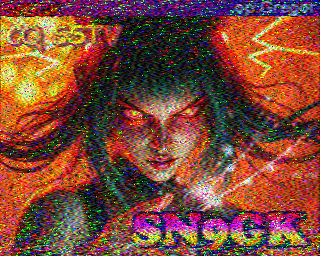
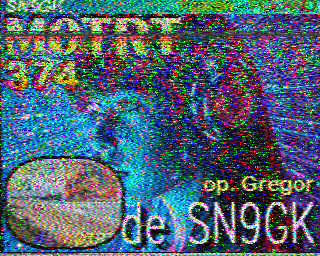
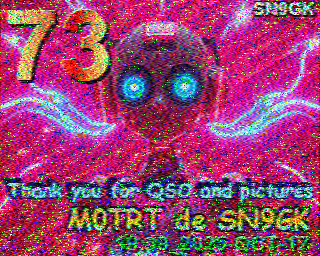
I used to do SSTV a fair amount, but I don’t think I’ve touched it at all since I discovered portable operating. As a case in point, my settings for MMSSTV were stored in a file called “2E0UXV” rather than “M0TRT”. So it took me a while to get back into things, remember how to get my audio levels right and configure the images to be sent. However, I got there in the end, and had an SSTV QSO with Gregor SN9GK.
Week 43 (20-26 Oct): Create a 3D printable design related to ham radio!
This one I’m also unfortunately going to pass on. I don’t quite have the skills for this yet, and with no 3D printer of my own I haven’t really had the drive to develop them. Maybe next year!
Week 44 (27 Oct - 2 Nov): Receive a QRSS signal on the HF bands
I’d never received QRSS before, so this was a new one for me. I plumped for Argo, the first software application listed on the Ham Challenge page for this week. It was easy to get installed (although Windows-only), and relatively easy to set up, though like a lot of amateur radio software it’s starting to show its age.
From there, it was relatively simple to tune my radio to 10138.7kHz and start receiving some of the many QRSS signals on the 30m band.
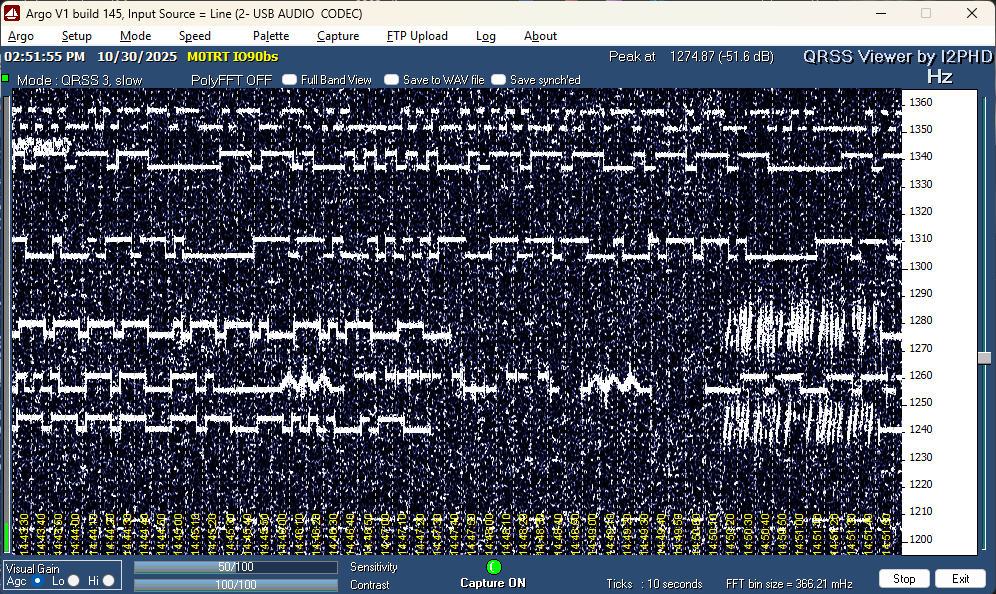
Unfortunately the Argo software doesn’t seem to automatically decode the QRSS data, or perhaps I just couldn’t figure out how to make that happen. Regardless, the data broadcast by QRSS beacons is typically just a callsign, and it’s in Morse code, with the higher frequency of each signal corresponding to “key down”, and the lower frequency (around 6Hz down) corresponding to “key up”, so it’s fairly easy to just read off the screen. Here, for example, I’ve broken out the transmission from G4OEP into the corresponding dits and dahs to illustrate decoding it.
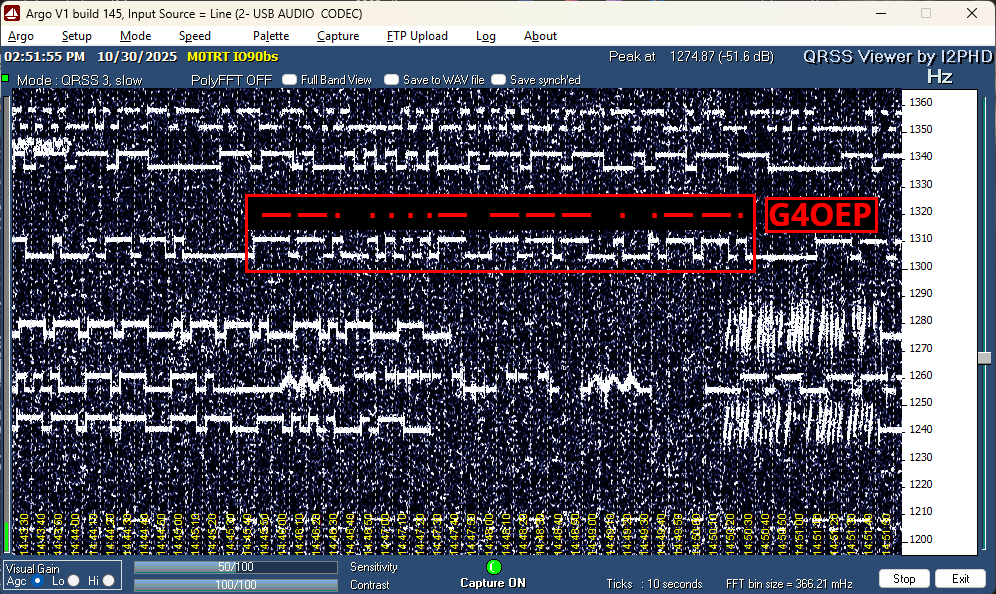
The whole transmission took around 5 minutes, so around 0.2wpm. They call it QRSS for a reason! And you can insert your own joke about my normal CW sending speed here :)
That’s all for this round-up, see you at the end of the month for the results of weeks 45 to 48.
Comments